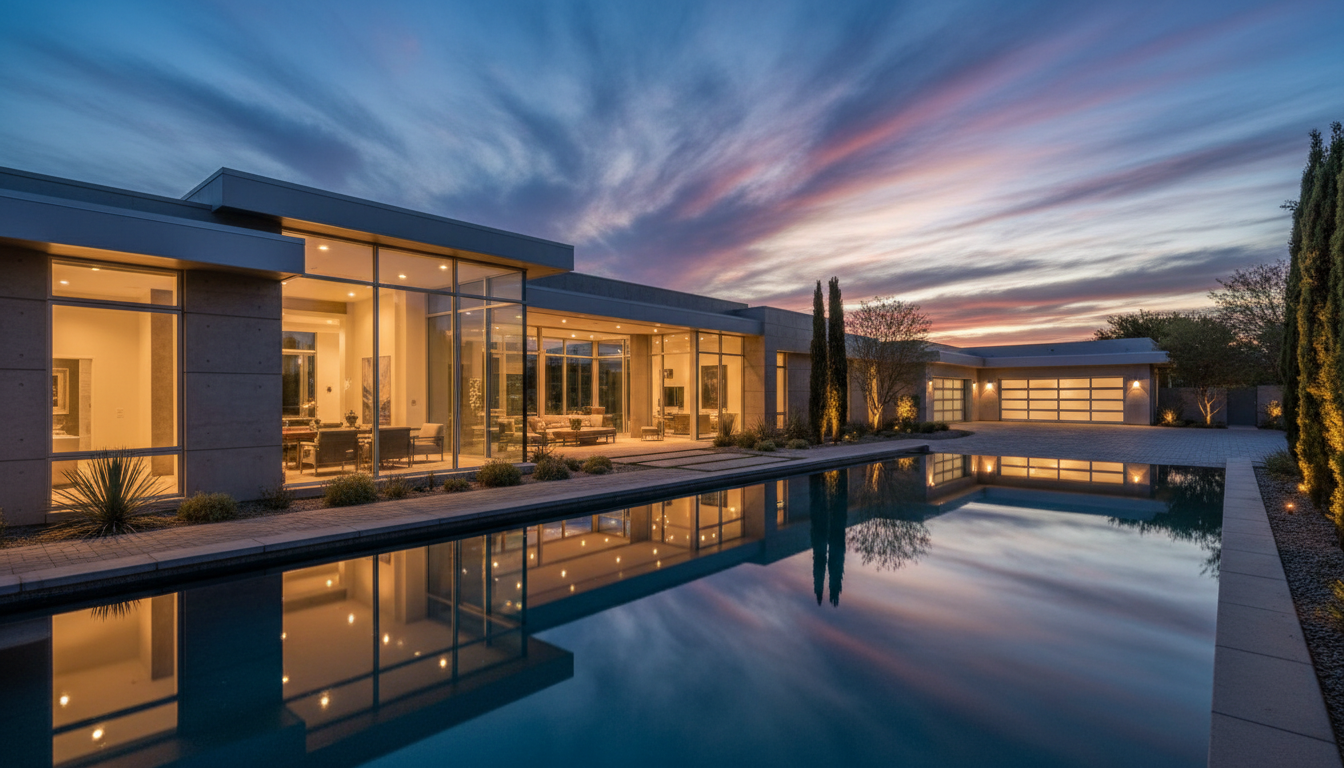
How to Take Real Estate Listing Photos With Your iPhone
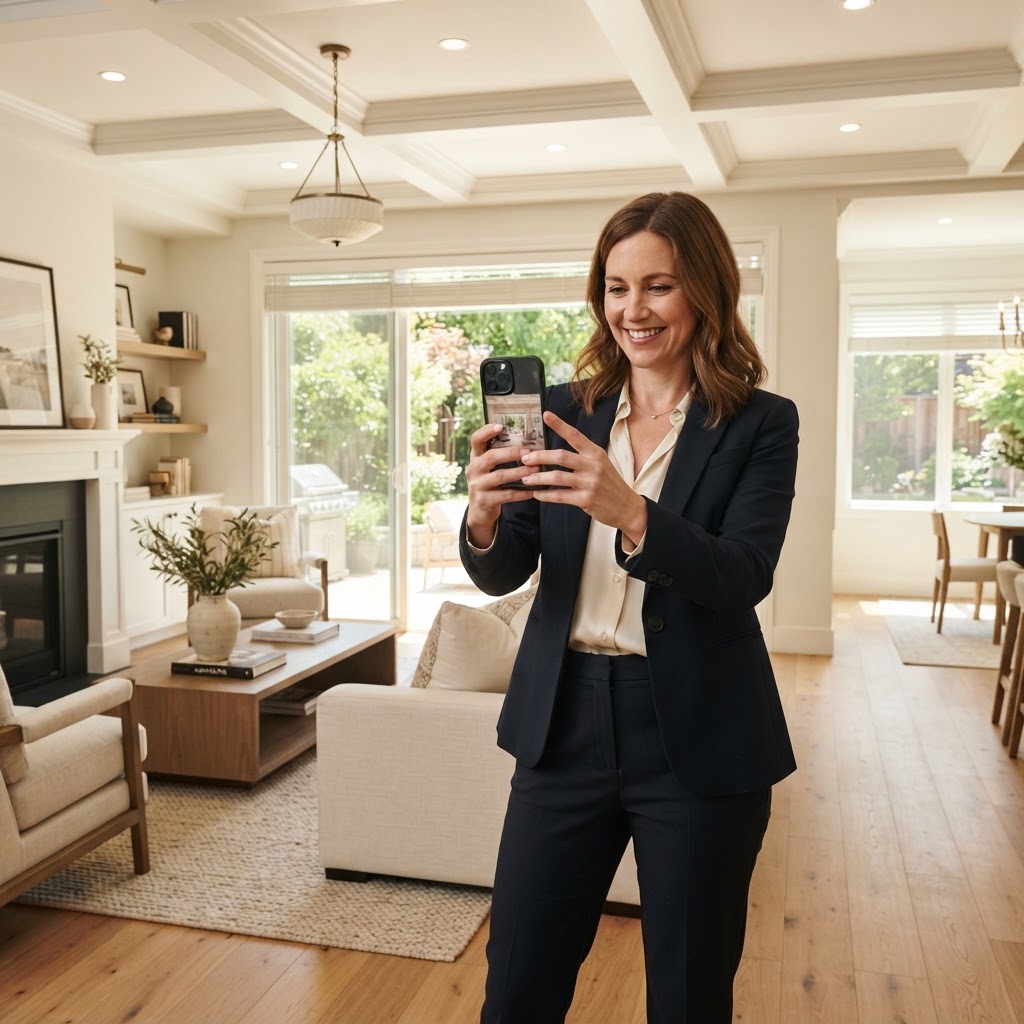
You already know the listing that sells itself the moment it hits the MLS. Bright rooms, straight walls, a front photo that makes people stop scrolling. What most agents do not know is how much of that is the camera in their pocket and how much is what happens after. The good news is your iPhone is more than capable of the first part. Here is how to get it right, room by room, so the photos you hand off are the best possible starting point.
Prep the house before you touch the camera
The fastest way to ruin a good shot is to shoot a cluttered room. Before the first photo, walk the house and reset it. Open every blind and curtain. Turn on every light, even in daylight, because warm interior light reads better than a flat gray room. Put toilet lids down, clear countertops, hide the trash cans, straighten the pillows. Two minutes of staging saves you more than any setting will.
Set up your iPhone once
A few quick changes in Settings make every shot better.
Turn on the grid. Go to Settings, then Camera, then switch Grid on. Those lines are how you keep walls and door frames vertical, which is the difference between a professional shot and a wonky one.
Leave Smart HDR on. It blends bright and dark areas in the same frame, which matters enormously indoors where a bright window sits next to a shadowy corner.
On a Pro model, turn on RAW. Settings, Camera, Formats, then Apple ProRAW. Toggle RAW on in the camera before you shoot. The files are large, but they give the edit far more room to recover blown windows and dark corners.
Nail the exposure on every shot. Tap the screen to set focus, then drag the little sun slider down until the windows stop glowing white. A room that looks slightly too dark on your screen is easy to bring back in the edit. A room with blown-out windows is not. When the light is right, press and hold to lock focus and exposure so the brightness stops jumping between shots.
Use the right lens
Reach for the standard lens on most rooms. The ultra-wide 0.5x lens is tempting because it fits the whole room in, but it bends straight lines at the edges and makes spaces look distorted. Save it for genuinely tight spots like a small bathroom, and if the cabinets or walls start curving, step back and switch to the standard lens instead.
Shoot at the right height and angle
Hold the phone at chest height, not eye level, and keep it level. Shooting into a corner instead of straight at a wall makes a room read larger because you catch two walls and more floor. Do not tilt the phone up or down unless you are deliberately showing a tall ceiling, a staircase, or a light fixture. Tilting is what makes walls lean.
Get the exterior right, because it is the most important photo
Buyers decide whether to click almost entirely on the first photo, and that photo should be the front of the home. Shoot it in soft light, early morning or late afternoon, with the sun behind you. Keep the horizon level and get the full facade with the landscaping. Grab three to five exterior angles so you have options.
How many photos to take
Aim for the range that actually performs. Research points to roughly 22 to 27 photos as the sweet spot for a standard home, and listings with fewer than about nine photos consistently underperform. With Express Edits covering up to 50 photos on every listing for one flat price, photo count is never a budget decision. Shoot what the home needs.
Then hand off the hard part
Here is the honest truth about phone photography. Even a well-composed shot needs work before it is MLS-ready. The most common things our editors fix are crooked verticals, dim rooms, windows that are either blown out or pitch black, and color casts from mixed lighting. That is the entire reason Express Edits exists. You shoot it on your phone, upload it through the portal, and we send back professionally edited, MLS-ready photos the same day, for a flat $100 per listing, up to 50 photos.
Shoot it today. List it today. That is the whole idea.
Ready to try it?
Shoot your next listing, upload it at captureinfluence.com/express-edit, and see the difference editing makes. First-time referral bonus: add a colleague's name and you both get $50 off.